Make it easier to keep, change, or release the time
Before You Blame the No-Show, Make the Appointment Easier to Keep
The Empty Hour You Can Still Save
A no-show costs the appointment and the chance to help somebody else. Before you blame the customer, make sure confirming, changing, or asking for help is actually easy.
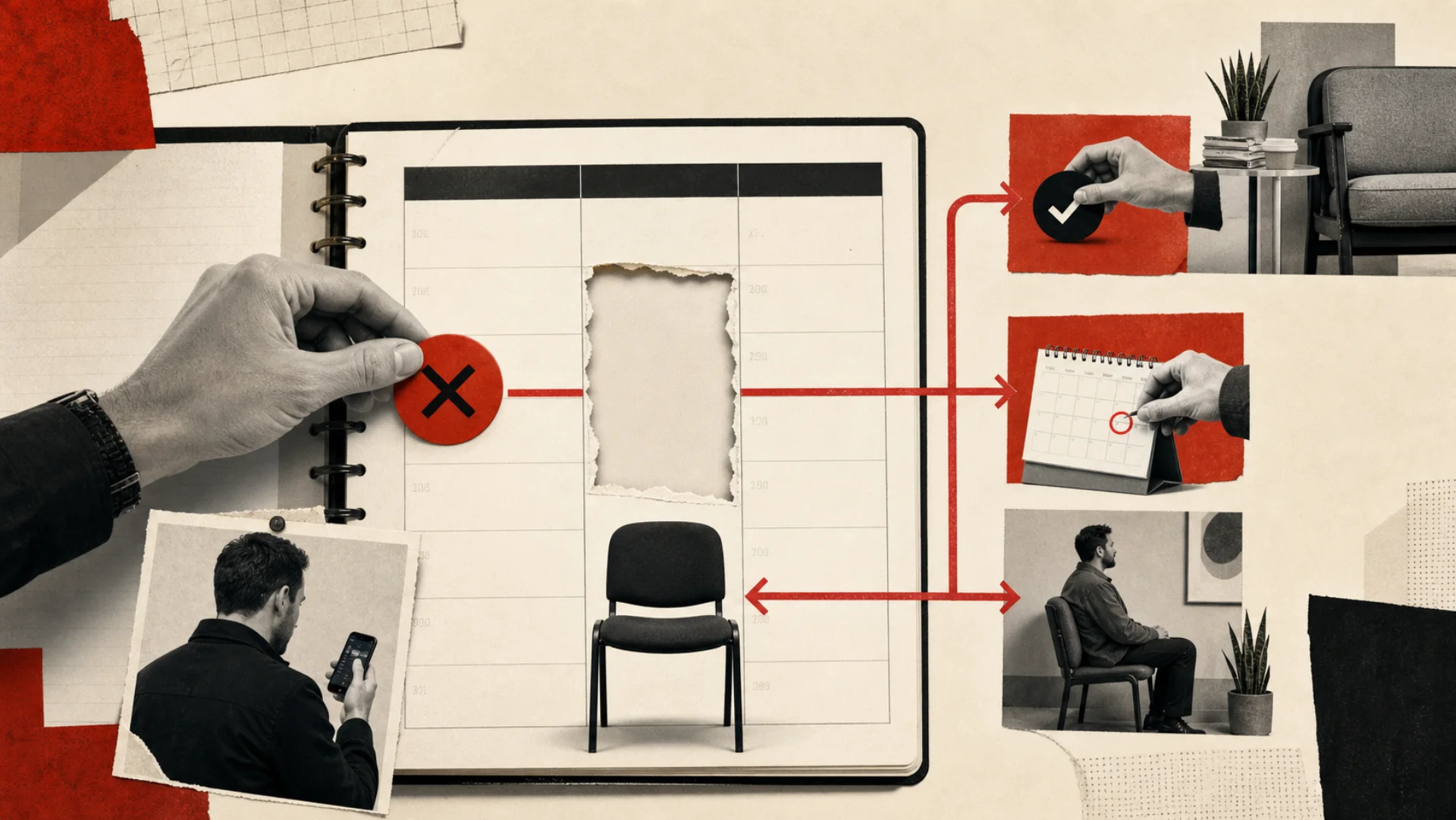
honest choices: confirm, change, cancel
slot returned to useful capacity
shame required
The empty hour
The appointment disappeared, but its cost stayed.
A specialist protects ninety minutes. The room is prepared. Staff time is reserved. Another customer accepts a later date because the calendar looked full. At 10:00, nobody arrives. At 10:12, the team begins calling. By the time the appointment is officially lost, the slot is almost impossible to reuse.
Calling the customer inconsiderate does not recover capacity. A better system distinguishes forgotten appointments, confusing instructions, transportation problems, late cancellations, business-caused mistakes, and repeated policy violations. Each needs a different path.
A good reminder does more than say ‘do not forget.’ It gives people an easy way to keep the time, change it, or ask for help.
Reserved slot / illustrative capacity file
At 9:00, this is still a scheduling problem. At 10:12, it is an empty hour.
The system creates value before the no-show by making confirmation, change, and cancellation equally clear while the slot can still return to the calendar.
10:00
Specialist visit, 90 minutes09:00
Customer taps ‘change appointment’09:02
Waitlist offer sent to two people09:11
Released slot acceptedCapacity relay
Confirmation is not the destination. Reusable capacity is.
Every customer response should update the calendar and create the next useful action without waiting for a person to reconcile three systems.
Book
Clear date, place, preparation
Confirm
Immediate receipt and expectations
Remind
Useful timing and instructions
Change
One-step reschedule or cancel
Refill
Waitlist and released capacity
Review
Policy exceptions and repeated patterns
Human judgment stays hereWhat I would look at first
An empty slot can have six different causes.
Separate the causes
True no-show, late cancel, same-day reschedule, failed reminder, wrong location, and business error belong in different reporting buckets.
Answer anxiety
Include parking, preparation, duration, documents, guest rules, fees, and who to contact—the practical details that often drive avoidance.
Release the slot
A cancellation is not failure when it arrives early enough for the business to offer the time to someone waiting.
Apply policy deliberately
Deposits, restricted booking, and closure after repeated no-shows are business rules requiring consistent human-approved application.
The practical guide
Take what is useful
Make changing the appointment easier than disappearing.
How to make confirming, changing, or releasing an appointment easy enough that fewer valuable hours disappear without warning.
A no-show often starts before the customer misses the time
Appointments fail for a lot of ordinary reasons: the customer forgot, the confirmation was unclear, the address was wrong, preparation instructions were missing, the reminder could not be answered, or rescheduling felt harder than disappearing. Blame hides those causes. A better path makes them visible.
I would not solve this by sending five more reminders. I would make the important moments clearer: confirm the time, answer the practical questions, let people reply, and make changing the appointment easier than disappearing. The goal is not more messages. It is fewer reasons for the appointment to quietly fall apart.
Build from the real cost of an empty slot
Calculate the cost by appointment type: staff time reserved, travel, room or equipment capacity, lost revenue, and the opportunity cost of customers who could have used the slot. Then separate no-shows from late cancellations and business-caused failures. Each needs a different response.
This baseline prevents vague claims. The system should be judged by confirmation rate, reschedule rate, recovered slots, arrival rate, and recovered contribution—not by how many reminders it sent.
Make the first confirmation complete
Immediately confirm the date, local time, location or meeting link, service, expected duration, assigned professional when appropriate, preparation instructions, cancellation policy, and a simple way to change the appointment. Use the customer's preferred channel when possible and keep sensitive information out of unsecured messages.
Ask for an explicit confirmation when the appointment warrants it. If confirmation never arrives, create a risk signal early enough for a person to intervene. Do not wait until thirty minutes before the slot to discover that the customer is unsure.
Reminders should remove uncertainty
A typical sequence might include a longer reminder several days before and a short reminder the day before or day of. Timing should reflect the service. A home appointment may need parking or access instructions. A consultation may need documents. A field visit may need weather or arrival-window updates.
Every reminder should let the customer reply. One-way messages force people to search for another number or abandon the change. Route questions to a person, recognize common confirmation and reschedule language, and stop the sequence when the appointment status changes.
Make rescheduling easier than disappearing
Offer a controlled set of valid alternatives or create a callback task when scheduling is complex. Preserve the customer's information so they do not repeat the entire intake. Apply cancellation policies consistently, but distinguish unavoidable change from repeated abuse.
When a slot opens, notify an appropriate waitlist segment based on service, location, provider, and timing. Use a first-confirmed rule or controlled offer window so multiple customers are not promised the same capacity.
Recover the appointment after it is missed
Send a calm message shortly after the missed appointment: we missed you, is everything okay, and would you like to reschedule? Avoid shame and aggressive language. The first goal is to understand what happened and restore the relationship when possible.
Route high-value, urgent, or vulnerable-customer situations to a person. After repeated no-shows, the workflow can apply approved policy, require a deposit, limit booking options, or close the loop. Those decisions should be explicit business rules, not AI improvisation.
Find the patterns behind the no-shows
Report by appointment type, day, time, lead time, location, provider, acquisition source, confirmation status, and reason when known. Look for operational patterns: one reminder template that confuses people, unrealistic arrival windows, long delays between booking and service, or a location customers struggle to find.
Use the findings to improve the service design. Automation can save appointments, but the highest return may come from changing scheduling rules, deposits, instructions, capacity planning, or the promises made during booking.
A better reminder protects the customer and the calendar
The useful version confirms the appointment, sends reminders people can answer, makes rescheduling easy, offers released time to the waitlist, and follows up without shame when somebody misses. It protects customer dignity and gives the business more notice.
Done well, this feels like competent service, not surveillance. People get a clear path to keep the appointment, change it, or ask for help—and the business gets a chance to put valuable time back to work.
Illustrative reminder exchange
A graceful exit protects both people and capacity.
- 01 / Reminder
“Your visit is tomorrow at 10:00. Reply KEEP, CHANGE, CANCEL, or HELP.”
- 02 / Customer
“CHANGE. My ride fell through.”
- 03 / Coordinator
“No problem. Here are two new times. Your original slot is now available to the waitlist.”
What this changesNobody is shamed, the customer stays in care, and useful capacity returns before the hour disappears.
Reminder ladder
Every touch should remove a different reason not to show.
Frequency and channel should reflect appointment value, booking lead time, customer preference, and applicable rules.
Create certainty
Confirm the exact appointment, location or connection details, preparation, expected duration, change policy, and an easy response path.
Surface conflicts
Ask for confirmation while there is still time to change the schedule. Make rescheduling as visible as confirming.
Reduce practical friction
Provide the one or two details most likely to cause delay or anxiety. Avoid sending a wall of generic policy copy.
Recover dignity and capacity
‘We missed you today and wanted to make sure you’re okay. Would you like to reschedule, talk with the team, or close the request for now?’
Reserved-capacity model
What could earlier notice put back to work?
Estimate contribution recovered through confirmation, rescheduling, or waitlist fill.
Want to use your own numbers?
Potential monthly recovered contributionPut in a few real numbers and get a quick estimate. It is a place to start a useful conversation, not a promise.
Open the calculator Contribution is more useful than top-line price when variable delivery costs are material.Where this breaks
More reminders do not fix a hostile path.
- Sending more reminders without fixing unclear instructions
- Making cancellation harder than confirmation
- Counting a reschedule as a saved appointment before it occurs
- Letting AI invent policy exceptions
Humans stay in control
Dignity, exceptions, and policy stay human.
- Vulnerable-customer and high-value cases can bypass automation
- Staff can correct business-caused failures
- Repeated no-show policy is approved and consistently applied
- Distress, confusion, and accessibility needs reach a person
Return the hour
Return to the opening scene
No empty chair should be a mystery.
Return to the protected ninety minutes from the opening. A dependable system gives the customer a clear way to keep, change, cancel, or ask for help, then moves released time toward somebody who can use it.
What becomes clearer
- What entered
- One at-risk appointment
- What changed
- Conflict surfaced before arrival time
- Who owns it
- Coordinator handles exceptions
- What happens next
- Reschedule and waitlist relay
- When automation stops
- Distress, accessibility, policy, or error
Try this in the next 15 minutes
Monday morning: review the last 30 days of missed and late-cancelled appointments. Separate forgotten, confused, transport, business-caused, and policy cases before changing a single reminder.